Google Search in New Tab Page

When using Firefox, I realised I am forever performing the sequence Ctrl-T followed by Ctrl-K to start a Google search in a new tab. However, I find the standard new tab page useful, so I didn’t necessarily want to change my new tab page setting (you can change the page by tweaking browser.newtab.url in about:config).

This sounds like a job for an add-on.
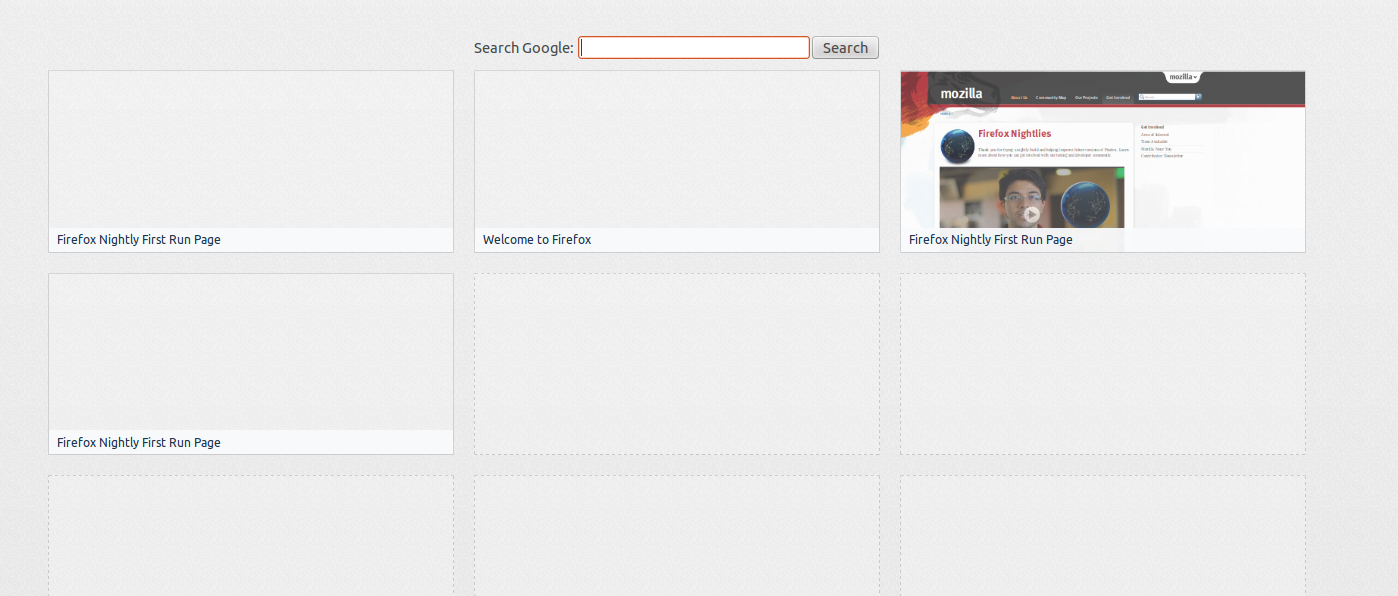
My add-on in action

And so I built one. The input is conveniently autofocused, so one can just Ctrl-T and start the search. I guess I’ll eventually want to make things like the search engine configurable, and it’s not particularly pretty, but for now, it’s a great help!


Edit: the add-on is now up on addons.mozilla.org.

4 thoughts on “Google Search in New Tab Page

  1. krom says:

    One unique and only alone word: COOL ! :)

  2. amr says:

    it s so fantastic

  3. wong.nggace says:

    it is less satisfactory for me. :(

  4. Prof R Hanka says:

    When I try to download it I get ‘not allowed as it is not does not match the dd-on expected in my Fireforx 13.

    Any idea?

Leave a Reply

Your email address will not be published. Required fields are marked *

You may use these HTML tags and attributes: <a href="" title=""> <abbr title=""> <acronym title=""> <b> <blockquote cite=""> <cite> <code> <del datetime=""> <em> <i> <q cite=""> <strike> <strong>